
Desktop application development for demanding engineering work
Applications engineers keep open all day, built for heavy computation, real hardware and data too large for a browser tab.
- PySide
- NumPy
- Matplotlib
- C#
- macOS
- Linux
What we build
What we build into your desktop application
Some engineering work needs more than a browser tab: real computation, direct hardware access and a UI that stays responsive while a long calculation runs. We build cross-platform desktop applications in PySide and C# for Windows, macOS and Linux, from pre-processing to post-processing and the calculations between them. For Uptim.ai we built the desktop applications engineers use for pre-processing, calculations and post-processing, plus the link to their AI solver.
-
01
Engineering pre and post-processing tools
Applications that prepare input data for a solver and turn its raw output into readable results and reports.
-
02
Long computations with a responsive UI
The heavy work runs in the background while the interface stays usable, with progress, cancellation and clear status.
-
03
Data visualization for technical results
Plots and views built on Matplotlib and NumPy, tuned for large datasets rather than generic dashboard charts.
-
04
Solver and simulation software linkage
Desktop applications that prepare input for a solver, trigger runs and read results back, like we built for Uptim.ai.
-
05
Hardware and instrument connectivity
Communication with lab and production equipment over the interfaces your devices actually expose.
-
06
Packaged, signed and updating installers
Windows, macOS and Linux installers with code signing and an update path, so IT can roll the app out and trust it.
Typical problems we solve
Where desktop applications get complicated
-
Should this be a desktop app or a web app?
We look at what the app actually needs: raw compute power, offline use, local files or hardware access point to desktop, while shared access from anywhere points to the web. We tell you honestly which one fits.
-
The calculation freezes the interface.
We move heavy computation off the UI thread so the window stays responsive, with progress feedback and the option to cancel a run that is no longer needed.
-
Engineers work without a reliable internet connection.
We build for offline operation by default: local files, local processing and local results, with sync or licensing checks added only where they are truly needed.
-
How do we roll out and update the app across the company?
We package signed installers for Windows, macOS and Linux and set up an update mechanism, so IT can deploy once and every engineer stays on a version you approve.
Relevant work
Work we have delivered.
A selection of projects our engineers have built and shipped. Open any of them for the details.
-
 An engineering ecosystem around an AI solver
Website, automation, engineering desktop apps and Škoda Auto integration for Uptim.ai
An engineering ecosystem around an AI solver
Website, automation, engineering desktop apps and Škoda Auto integration for Uptim.ai
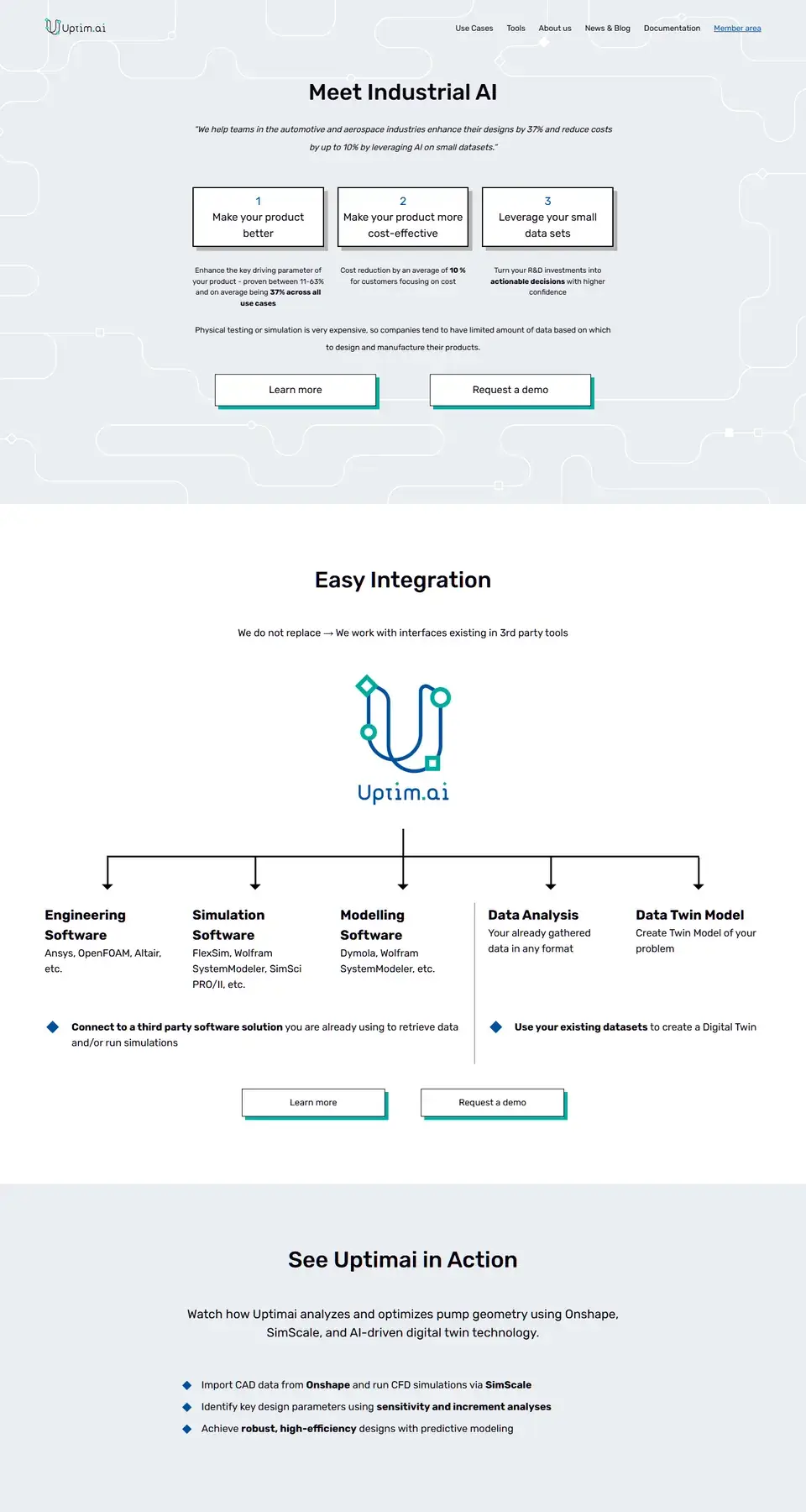
For Uptim.ai we built the software around their AI solver: the website, automation and task delegation, desktop applications for engineers that cover pre-processing, calculations and post-processing, the link between those applications and the solver itself, and the integration into Škoda Auto's engineering workflow.
![Preview of the Uptim.ai website]()
How we work
How we build engineering desktop software
-
01
Scope the computation
We map what the app must calculate, which data and hardware it touches, and confirm desktop is the right call before writing code.
-
02
Design the real workflow
We lay out how data moves from input through processing to the results an engineer needs to act on, then build the interface around it.
-
03
Build against your environment
We develop the application in PySide or C# and connect it to your solver, instruments or file formats as early as possible, not at the end.
-
04
Package, sign and hand over
We produce signed installers for the platforms you use and hand over an update path, so the app keeps working once we step back.
How every engagement runs
-
Clear scope and estimate
You know what you get, when, and what it costs before work starts.
-
Working software early
Short iterations with results you can see and test.
-
Transparent communication
Direct contact with the engineers, regular updates and no surprises.
-
Support after release
We stay responsible for what we delivered.
Questions and answers
Frequently asked questions
-
How do you decide between a desktop app and a web app?
Desktop wins when you need raw compute power, direct hardware access, large local files or work that must continue offline. A web app wins when access from anywhere and zero installation matter more. We look at your actual workflow and recommend the one that fits, sometimes a small web layer around a desktop core.
-
How do updates reach every engineer inside our company?
We build the application with an update mechanism and package signed installers for Windows, macOS and Linux, so your IT team can push a new version or let the app check for one itself. You keep control of when a release goes out company-wide, which matters when engineers depend on a stable version mid-project.
-
Can the application work fully offline, with no internet connection?
Yes, this is common in engineering environments. We design the application to read, process and save data locally by default, and only reach out to a network when you actually need syncing, licensing checks or a connection to a remote solver.
-
Can the application connect to lab equipment or instruments we already own?
Yes, if the device exposes an interface we can talk to, such as a serial port, USB or a vendor SDK. We scope the hardware integration early in the project, once we know exactly what the instrument needs and how it should behave in the interface.
-
What affects the cost of a desktop application?
Mainly the complexity of the computation, how many platforms you need to support, hardware or solver integrations, and how polished the data visualization needs to be. A focused first version that covers the core workflow is usually the fastest way to get something engineers can actually use.
Contact
Tell us about the application you need
Tell us what the application needs to calculate, which platforms and hardware it must support, and any deadline. We will reply with concrete next steps.
- We get back to you as soon as possible.
- A short call to understand your goals and scope.
- A written proposal with an estimate. No obligation.
Message sent!
We'll get back to you soon.
Capabilities
Other services
-
Websites
Fast, search-friendly websites that explain what you do and turn visitors into enquiries.
-
Web applications
Customer portals, internal tools, dashboards and workflow systems on backends built for real load.
-
AI agents and automations
AI agents, integrations and automated workflows that take repetitive work off your team and run reliably in production, not just in a demo.
-
Mobile applications
Android and iOS apps, from public app-store products to internal tools for teams in the field.
-
Embedded software
Firmware and control software for devices and specialized hardware, connected to the apps and systems around them.
-
Consulting and architecture
Requirements, technology choices, architecture review and delivery planning, so you invest in the right thing from day one.
-
Maintenance and support
Updates, fixes and new features after launch, for software we built and for systems you already run.
-
Not sure which service fits?
Describe your project and we will recommend the right approach, even if it is not us.